What runs on a w3dash account
Each product is a module on the same Odoo database. Turn on the ones the company needs. CRM and SalesIQ connect on their own when both are installed.
Time Tracker
A self-hosted time tracker in the style of Time Doctor and Hubstaff, inside Odoo. Sessions, screenshots, and app usage sit on the employee, the project, and the task.
- Work sessions linked to the employee, the project, and the task
- Screenshots and screen recordings, kept locally or offloaded to Cloudflare R2
- Activity from keyboard and mouse counts only. Keystrokes are never stored
- App and website usage, with your own productivity ratings
- Mobile geofencing, a GPS trail, and clock-in at a job site
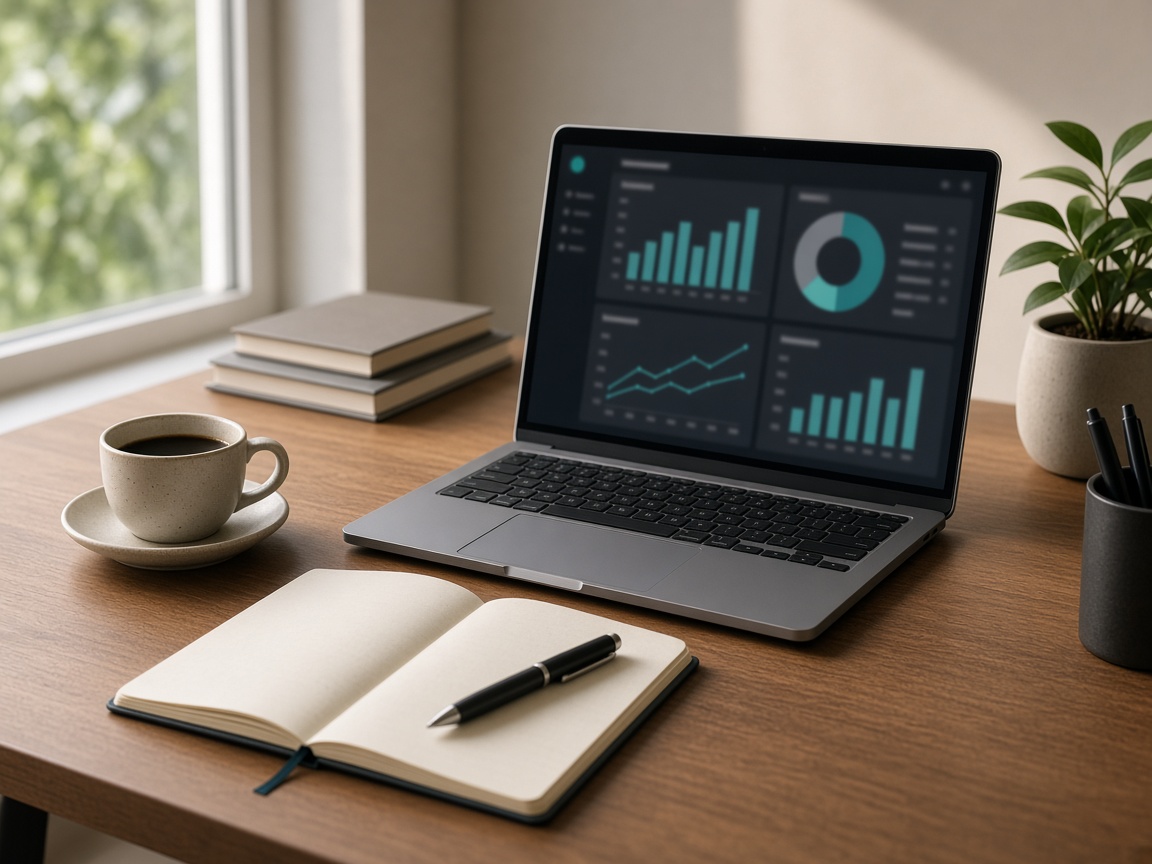
- Dashboard, timeline, hours, projects, office versus remote, unusual activity, and approvals
- Manual time goes through a request
- A REST API for the desktop agent

CRM
Leads, accounts, contacts, and deals in one header, with the stage rules and the names a Zoho team already uses.
- A web form on any site creates the lead. The same email updates the open lead
- Scoring marks the card Hot, Warm, or Cold
- Territories assign an owner, round-robin when there is no owner yet
- A blueprint blocks the next stage until the required fields and the checklist are done
- Protected stages, and large discounts on a quotation, wait for approval
- Convert builds the account, the contact, and the deal, and carries the email thread
- A Zoho export uploads as the original ZIP, CSV, or XLSX
SalesIQ
Visitor tracking and live chat for a website that is not built in Odoo.
- One script, accepted only from the domains you list on the site record
- Live list: who is online, the current page, pages this visit, time on site, referrer, country, and score
- An operator can invite that visitor. The visitor sees a chat bubble
- An email in the chat, or an email passed from the page, becomes a CRM lead with the visit and the UTM source
- A form on a tracked page is linked to that same visitor, and chats raise the lead score

AI Assistant
A chat inside Time Tracker. It searches and updates records as the person who is signed in.
- It runs only with that user’s access rights and record rules
- It can look up employees, projects, tasks, and time entries the user is allowed to see
- It cannot open a record that user cannot open
Included with the hosted account
Own database
The company lives at its own address, for example acme.w3dash.com, on its own database.
Agent finds the account
People sign in with their email. The desktop agent is sent to that company’s server. The directory never sees the password.
Sign-in controls
Optional two-factor sign-in, and an IP allow-list. Exclusion addresses, such as the office, always get through.
Zoho CRM import
Accounts, contacts, leads, deals, notes, tasks, calls, and meetings upload as the file Zoho gave you. Re-import does not duplicate them.
Zoho Projects import
An export from Zoho Projects becomes tasks. Names that do not match a user are matched on a second screen, or left unassigned.
Your own Kanban flows
Project managers add stage sets under Project → Configuration → Kanban Examples. They show up next to the flows Odoo ships.
We set up the account.
You invite the team.
A new company is usually ready in a few minutes, with Time Tracker and the project tools installed.